Profile Info
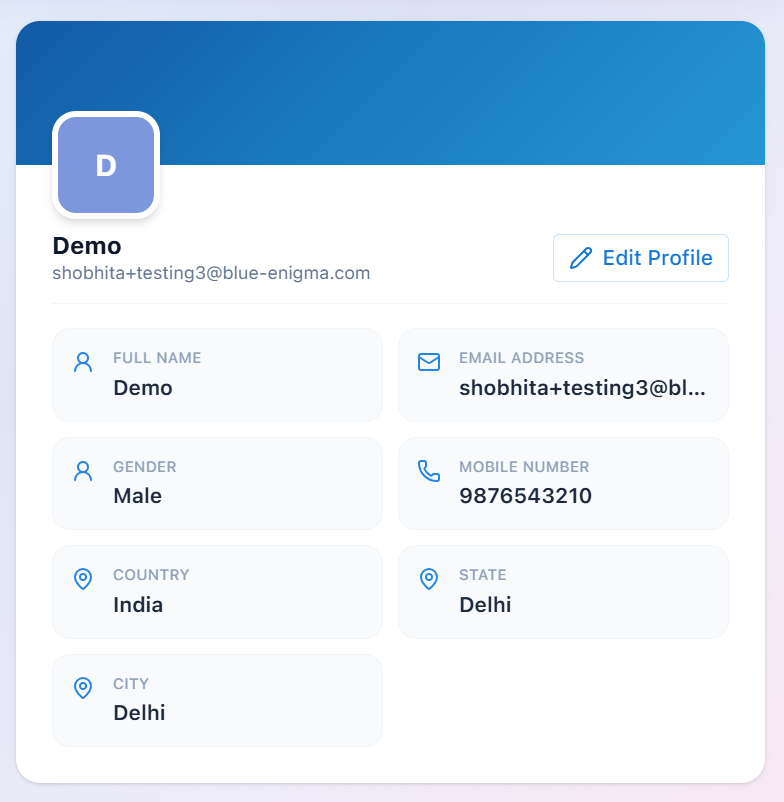
The Profile Information section displays your account details associated with BluEarn PMS.
You can review your personal information and update it whenever necessary using the Edit Profile option.
Profile Details includes:
Change Password
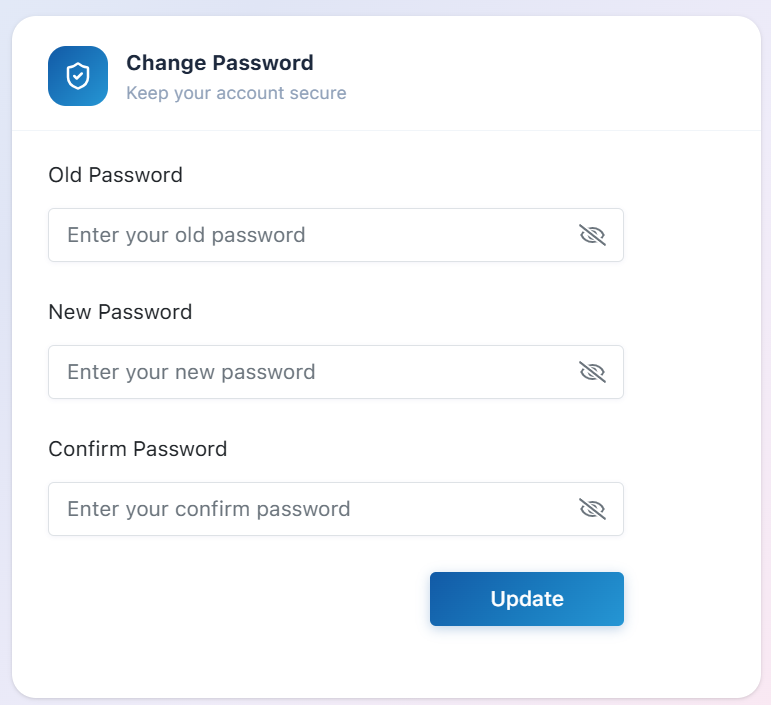
The Change Password section allows you to update your account password at any time to keep your BluEarn PMS account secure.
To change your password:
-
Enter your Current Password.
-
Enter a New Password.
-
Confirm the new password by entering it again.
-
Click Update.
Once the password is updated successfully, use the new password the next time you sign in.
Security Tip: Choose a strong password that combines uppercase letters, lowercase letters, numbers, and special characters.